Github Repository
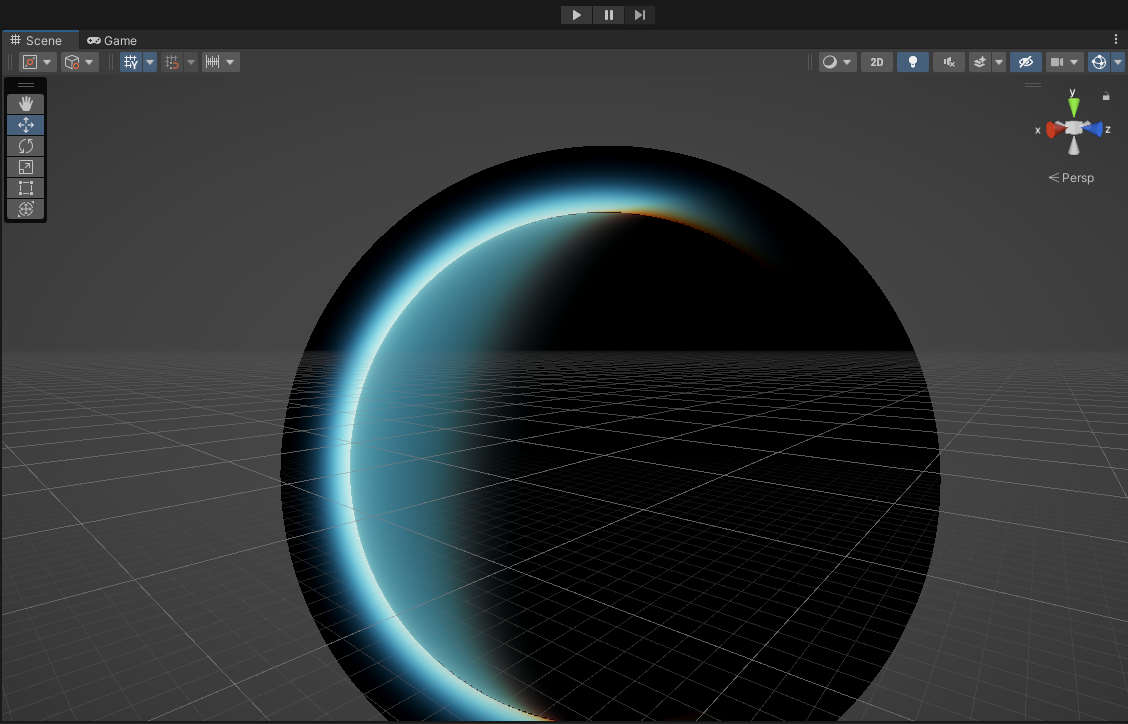
An atmospheric scattering shader is a shader that simulates the physical phenomenom of the atmosphere of a planet. I created this shader not only as practice and to learn more about shader programming, but also as a stepping stone for a future project that I have been slowly building the skills and functionality to accomplish.
Science-y Background
An atmosphere gets it look by scattering light at different wavelengths off of all of the 'stuff' in the air. There are two different types of scattering to consider: rayleigh and mie. Rayleigh scattering is the scattering that occurs when light hits the very tiny particles in the air and is what gives an atmosphere its color make up. Mie scattering, however, is the scattering that occurs when light hits and bounces off of the bigger particles in the air, resulting in a more uniform scattering across the different wavelengths of light. Mie scattering determines how ‘bright’ and ‘glowy’ the light source appears when viewing it through the atmosphere as well as when seeing its reflection in the atmosphere. Of the two scattering types, rayleigh is, arguably, the more important but the addition of mie adds to the realism of the effect. The physical make-up of an atmosphere is what determines how it look. For Earth’s case, its physical make up causes blue light to be reflected the quickest, with red light reflecting the slowest. This is why, during the day, the sky is blue because that is what is getting reflected first, and during the sunrise/sunset, the sky is more red because the light has to travel through more of the atmosphere due to the angle of the sun causing all the blue light to be reflected already.
Shader Stuff
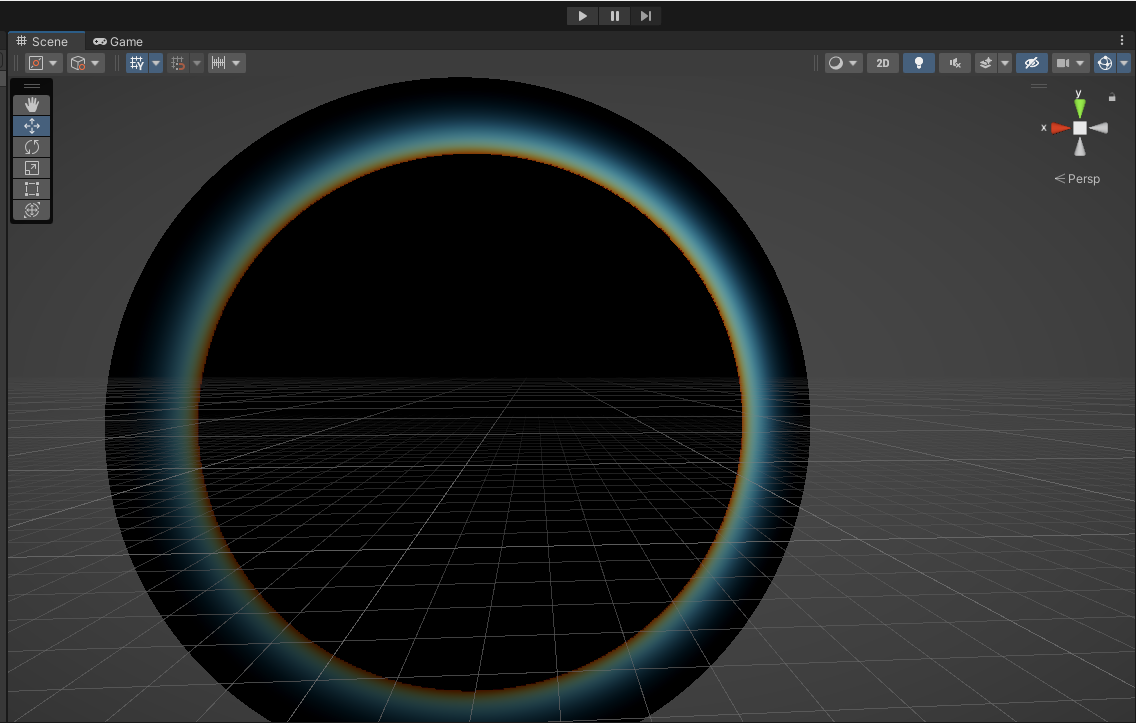
With the science aspect of this effect in mind, lets talk about how this gets applied to a game engine. Obviously, simulating each ray of light from a light source like a sun would be too computationally heavy to run in realtime for game application. So, we solve the problem by going backwards and only caring about the light that reaches the camera of interest. Normally, the math behind these scattering calculations is a two nested integrals, which is essentially two infinite loops for those not familiar with the math lingo. Therefore, to eliminate the infinite aspect of these calculations, we instead use a set amount of finite steps to only approximate the values needed. The more steps used, the slower the shader will run so this value must be set with some care and consideration. I will not get into the specifics of the calculations but the short explanation is the shader is calculating how much light reaches along the camera’s line of sight and then calculating how much of that light reaches the camera, hence the nested loops. For determining how ‘quickly’ the different wavelengths of light get scattered in our shader, instead of doing even more complicated and expensive calculations based off the physical make-up of our given atmosphere, we essentially fake it by already supplying the scattering coefficients the shader should use allowing us to take creative liberty in determining the final look of the atmosphere.
Optimizing Time
In shaders and programming in general, if you want something to be performant, nested loops are not the way to go. So, some people much smarter before me figured out a way to get rid of the nested loops during the calculation process. They did so by creating a texture of precalculated values known as the “Optical Depth” texture. Now, essentially, this texture contains the ‘amount’ of light that reaches a certain point in the atmosphere based off of its altitude and angle to the light. With this texture, instead of calculating all of the light at all of the points along the camera’s point of view, we can use a texture lookup instead drastically increasing performance and making realtime use possible. My shader, at its current stage, implements this optimization technique, but there is one more strategy that I have been toying with to improve it even more.
The Future
For future work on this project, I want to implement a new optimization technique to increase performance even more so this one shader is not taking up all the resources required to run a fully-fledged game. The technique is to render the shader at a lower resolution than the full screen size and then upscale it back to full resolution not only reducing computational time but also maintaining similar to same visual quality. Outside of this idea, I wish to take this shader further and integrate it with a cloud rendering shader as well. Both types of shaders are volumetric and use very similar steps to calculate the scattering of light, so consolidating both to one shader will help increase the performance for both together. The big problem that needs solving for that idea is the large amounts of data required to render clouds on a planet scale and figuring out a clever solution to streamline the data transfers necessary to achieve such an effect. Furthermore, another area of possible exploration is the results of the shader as inputs to another post processing shader to achieve a more stylistic look to a planet’s atmosphere.